
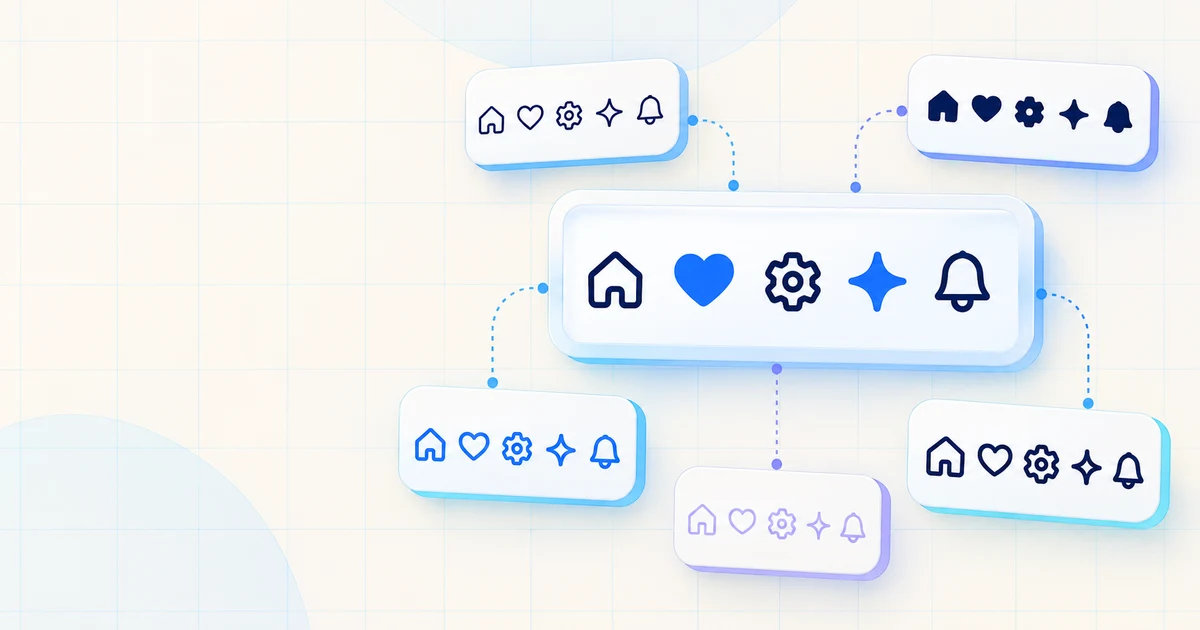
An interface can have sound layout and clear copy yet still feel unfinished when its icons come from unrelated sources. Stroke weight, corner shape, and visual density vary between sets; mixing them makes navigation, controls, and status messages feel less coherent. A consistent library gives those small signals a shared visual language and saves you from drawing routine symbols by hand.
The five options below have official developer resources and distinct strengths: restrained outlines, multiple weights, broader framework packages, or a more distinctive visual voice. Check each current license and package instructions before shipping.
Lucide: a clean outline baseline
Lucide is a good first stop when a product needs clear, consistent outline icons rather than a highly expressive illustration style. Its official site describes a shared design system, scalable SVGs, and controls for size, color, and stroke width. That makes it straightforward to bring icons into line with a product’s sizing and color tokens.
Official packages cover several platforms, including React, Vue, and plain web usage. In React, each icon is a component that renders inline SVG. If your design system relies on outlines and currentColor, Lucide’s restrained look fits navigation, forms, and dashboards.
Choose it when you want a practical default and expect to adjust color, size, and stroke to match your interface. The set’s consistency is also its main stylistic constraint: if a product depends on strong filled shapes or several levels of visual emphasis, another library may offer more variation without mixing families. Lucide is released under the ISC license; review its official license for your use case.
Tabler Icons: breadth with outline and filled options
Tabler Icons suits projects that want a large catalog while keeping many symbols within a shared outline language. The official repository currently describes more than six thousand SVG icons and includes both outline and filled variants. The count changes over time, so treat the catalog itself as the source of truth when looking for a particular symbol.
Official formats include raw SVG and packages for React, Vue, Svelte, Angular, Preact, Solid, Astro, and React Native. Teams can keep one icon family across several front-end stacks, or use SVGs directly when a framework package is not the right fit.
Tabler is a strong candidate for admin panels and SaaS products with many navigation items, settings, and data states. Before adopting it, test a representative screen rather than choosing solely by catalog size: a broader set helps only when its visual character fits your product. The project is MIT-licensed; see the official repository for the current packages and license details.
Phosphor: one family, several weights
Phosphor is useful when a UI needs more than one level of emphasis without switching to a separate icon set. It provides six weights—Thin, Light, Regular, Bold, Fill, and Duotone—so a selected or highlighted state can use a different treatment while retaining the same underlying family. Use that flexibility with restraint: consistent sizing and a small set of deliberate state changes keep the interface from becoming noisy.
Official developer packages include React and Vue, along with web usage and other platforms. The React package supports properties such as size, color, and weight; its maintainers document tree-shaking when icons are imported individually. Phosphor’s shapes have more personality than a neutral outline set, which can help a consumer-facing app feel warmer. It can also be too expressive for a highly conservative enterprise interface, so preview it alongside your typography and controls.
If selected states, ratings, or feature illustrations need distinct treatments, the weights provide a built-in vocabulary. Avoid applying a different weight to every icon simply because the option exists; choose a small rule set and use it consistently. Phosphor is MIT-licensed. Check the official project and package links for current framework guidance.
Heroicons: focused UI symbols with first-party framework packages
Heroicons is a compact, purpose-built choice for common interface controls. The project describes its icons as hand-crafted SVGs and provides both direct SVG assets and first-party React and Vue libraries. The component packages expose distinct size and style paths, including outline and solid variants, which makes it easy to choose a consistent treatment for a UI.
That focus suits familiar interface patterns such as menus, forms, account controls, and dashboard actions. Heroicons is convenient in Tailwind CSS projects, but its SVGs and React and Vue components do not require Tailwind. Its focused catalog may not cover specialized industry symbols.
Pick Heroicons when its proportions and two principal treatments fit the interface and the available symbols cover your use cases. The project is MIT-licensed. Its official repository documents formats, imports, and the current license.
Iconoir: a cross-platform option, including Flutter
Iconoir is worth considering when one project spans web and mobile, or when you want a different outline character from the most familiar sets. The official project describes a library of more than 1,600 SVG icons on a 24-by-24 grid. It lists React, React Native, Vue, and Flutter libraries, including the iconoir_flutter package.
Flutter support is a useful distinction: you can investigate one project for both web and Flutter instead of assuming an unofficial port has feature parity. Iconoir also provides SVG downloads for stacks without a dedicated package. Check the current package instructions before adopting it.
Its shapes have their own proportions and details, so compare a handful of real icons—such as search, close, settings, and navigation—against your existing controls. Iconoir is MIT-licensed according to its official repository. Use the official docs and repository for supported packages and current details.
A practical comparison
| Library | Consider it when | Official developer options |
|---|---|---|
| Lucide | You want a restrained, customizable outline baseline | Web, React, Vue, and more |
| Tabler Icons | You need catalog breadth and outline/filled variants | React, Vue, React Native, Svelte, Angular, and more |
| Phosphor | You want several weights within one family | Web, React, Vue, and more |
| Heroicons | A focused set of familiar UI symbols fits your design | SVG, React, and Vue |
| Iconoir | You want its distinct style or need to check Flutter support | SVG, React, React Native, Vue, Flutter |
Each option has its own APIs. Follow the official documentation for the framework and version you plan to use.
Which one should you try?
- Start with Lucide for a clean outline system that needs modest, predictable customization.
- Try Tabler Icons when catalog breadth, filled options, or multiple official framework packages matter.
- Choose Phosphor when different weights can clarify active, selected, or emphasized states.
- Use Heroicons when its focused set and outline/solid choices match a familiar product UI.
- Look at Iconoir when its style fits, especially if Flutter is part of the project.
Use one coherent family for shared interface actions. Purposeful exceptions can make sense, but mixing unrelated sets for routine controls can make a UI feel assembled. Check icons at their actual sizes, provide accessible names for icon-only controls, and confirm the license before release.
For more useful developer references, see our guide to developer websites worth bookmarking. If you are building a product interface and need engineering support, learn about our software development services.