
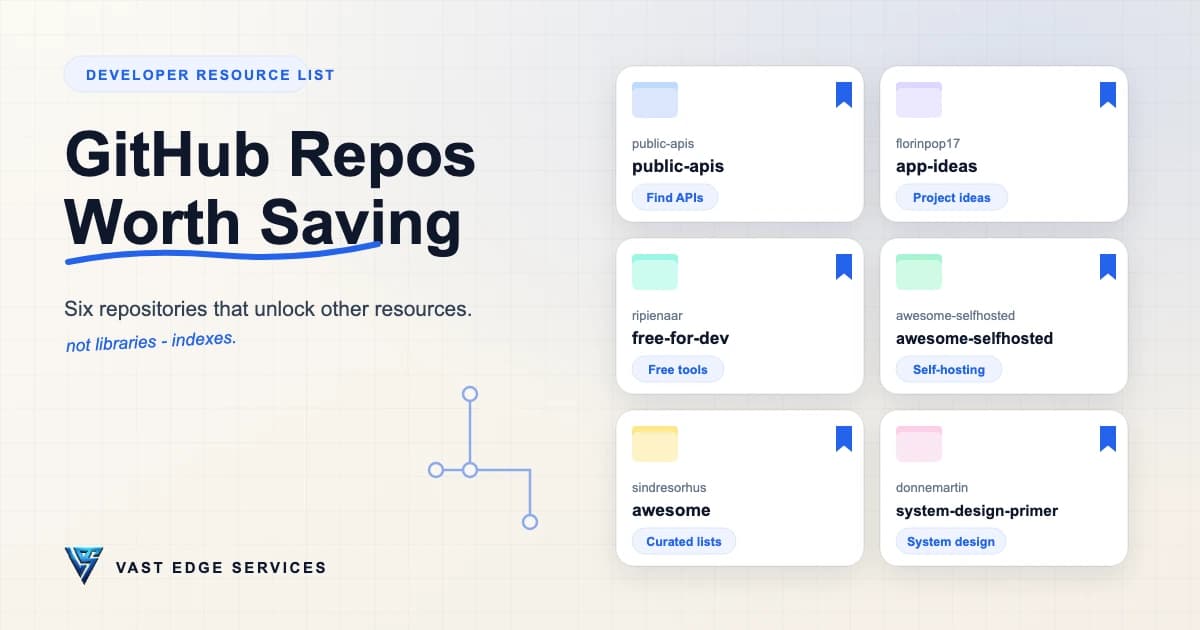
Every developer accumulates the same browser folder: a pile of tabs from three months ago, half of them stale, none of them labeled. The fix is not more bookmarks. It is a shorter list — a few repositories that function less like libraries and more like indexes.
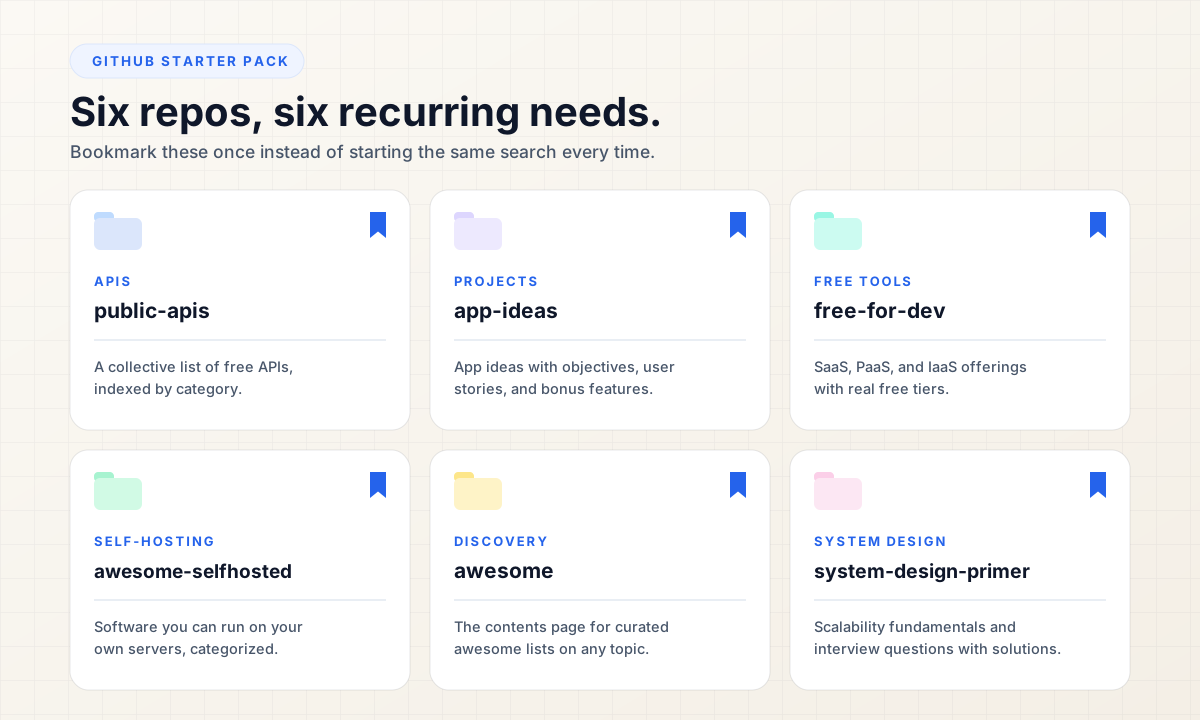
These six are not packages you install or tools you run. Each one is a doorway: one points to hundreds of free APIs, one to project specs, one to free hosting and infrastructure tiers, one to software you can host yourself, one to curated lists on any topic, and one to the fundamentals of system design. Save the six, and you have saved the search that sits behind every one of them.
That is the test for a useful GitHub repository: it should unlock other resources. Here are six GitHub repositories for developers that pass it — what each one contains, when to reach for it, and where to start.
public-apis/public-apis
Why save it: A community-curated index of free public APIs, so the next time a project needs data, you start from a list instead of a search engine.
What you'll find: The README opens with an index of categories — Animals, Anime, Finance, Geocoding, Weather, and many more — and each category is a table: the API, a short description, whether authentication is required, whether it serves HTTPS, and its CORS behavior. The list is manually curated by community members, with a contributing guide for additions.
Best use case: Early prototyping, when you need a data source or a small service and would rather evaluate a shortlist than commit to a paid vendor.
Start here: Open the index near the top of the README and jump straight to the category you need. Reading this one top to bottom is not the intended use.
Browse the public-apis repository on GitHub
florinpop17/app-ideas
Why save it: A collection of application ideas with enough specification to actually build from — for the days when you know how to build but not what to build.
What you'll find: Projects are split into three tiers by experience, and each one ships with a clear objective, a list of user stories to implement, optional bonus features, and links to the resources you will need along the way. The difference from a generic list of ideas: every entry is written to be completed, not admired.
Best use case: Filling a portfolio, practicing a new technology on something structured, or sourcing material for tutorials.
Start here: Pick one project from your tier and treat the user stories as acceptance criteria. Only after the base project works, add your own bonus features — that is where the learning actually sits.
Explore the app-ideas repository on GitHub
ripienaar/free-for-dev
Why save it: One list of SaaS, PaaS, and IaaS offerings that have free tiers relevant to development and infrastructure work — the difference between researching a tool and paying for one on day one.
What you'll find: Categories covering what a project actually needs to run: CI and CD, monitoring, DNS, email, storage, managed databases, testing, and more. The scope is deliberately strict — only as-a-service offerings with a real free tier, not a trial — and the README credits work from more than 1,600 contributors.
Best use case: Standing up a side project or an internal tool on a near-zero budget, before the small charges for hosting, monitoring, and transactional email start stacking up.
Start here: Search the table of contents for the category you were about to pay for. If the software would have to run on your own server instead of someone's cloud, that is what the next entry is for.
Open the free-for-dev repository on GitHub
awesome-selfhosted/awesome-selfhosted
Why save it: A list of free software network services and web applications you can host on your own servers — the self-hosted alternative to signing up for another subscription.
What you'll find: Categories from analytics, automation, and backups to blogging, calendars, communication, content management, and DNS — each entry a service you can run yourself. Non-free software is kept on a separate page, the README recommends the searchable HTML version at awesome-selfhosted.net, and the project runs automated checks for dead links and flags unmaintained projects.
Best use case: When you want to own the instance and the data — a team wiki, file sync, a password manager — on your own hardware or a VPS.
Start here: Use the HTML version, jump to a category you would otherwise subscribe to, and shortlist two options before you configure anything.
Visit the awesome-selfhosted repository on GitHub
sindresorhus/awesome
Why save it: The master directory of curated "awesome" lists — one repository that points to well-kept lists on almost any topic.
What you'll find: A table of contents spanning platforms, programming languages, front-end and back-end development, computer science, databases, security, testing, and much more, with every entry linking to a dedicated list. It is a directory rather than a list itself; the value is in the routes it exposes.
Best use case: Finding the canonical curated list for a niche before you start your own research — or before you start your own list.
Start here: The README offers the shortcut awesome.re. Otherwise, open the contents, pick the category closest to your problem, and follow exactly one sub-list. That is the whole habit.
Browse the awesome repository on GitHub
donnemartin/system-design-primer
Why save it: An organized, open collection for learning how to design large-scale systems — and the most structured free path into system design interview prep.
What you'll find: Topic summaries that argue in trade-offs — performance versus scalability, latency versus throughput, the CAP theorem, consistency and availability patterns, DNS, CDNs, load balancers, reverse proxies, microservices, databases, caching, and asynchronous communication — plus a study guide for short, medium, and long timelines, interview questions with sample discussions, code and diagrams, Anki flashcard decks, and an appendix of latency numbers. The repo's recurring instruction is the right one: everything is a trade-off.
Best use case: Interview preparation, or the more common case: you build features confidently but freeze when someone asks how the system should scale.
Start here: Follow the README's own path — the section literally called "System design topics: start here": first the scalability video lecture, then the scalability article, and only then the deeper topics.
Read the system-design-primer repository on GitHub
The Bookmark Table
Six rows, one purpose each:
| Repository | Best for |
|---|---|
| public-apis/public-apis | Finding APIs |
| florinpop17/app-ideas | Finding things to build |
| ripienaar/free-for-dev | Finding free developer services |
| awesome-selfhosted/awesome-selfhosted | Finding self-hosted software |
| sindresorhus/awesome | Discovering curated resources |
| donnemartin/system-design-primer | System design |
Final Thoughts
None of these six will write your code. They sit one level above the codebase: indexes to open source developer tools, free developer tools, and project ideas for developers, in the places where you would otherwise start a search from zero. Keep them in one bookmark folder, and each one earns its place by pointing at resources beyond itself.
That is the habit worth keeping, too — before building a research process or paying for a tool, check whether an index already exists. It usually does. If you want a curated round-up beyond repositories, we collected developer websites worth bookmarking for the same reason. For custom software development that puts these resources to work, contact Vast Edge Services — and more practical notes live on the Vast Edge blog.